Saving time and eliminating errors

Faster administration and fewer data errors thanks to document digitization.

Automated document data transfer

No manual retyping. Invoices and receipts are sent directly to Pohoda.

Synchronizing accounting settings

Import accounting settings from Pohoda with the option of assigning them to saved documents.

What is the Bridge to Pohoda?

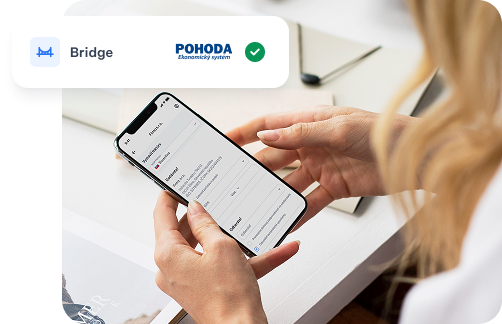
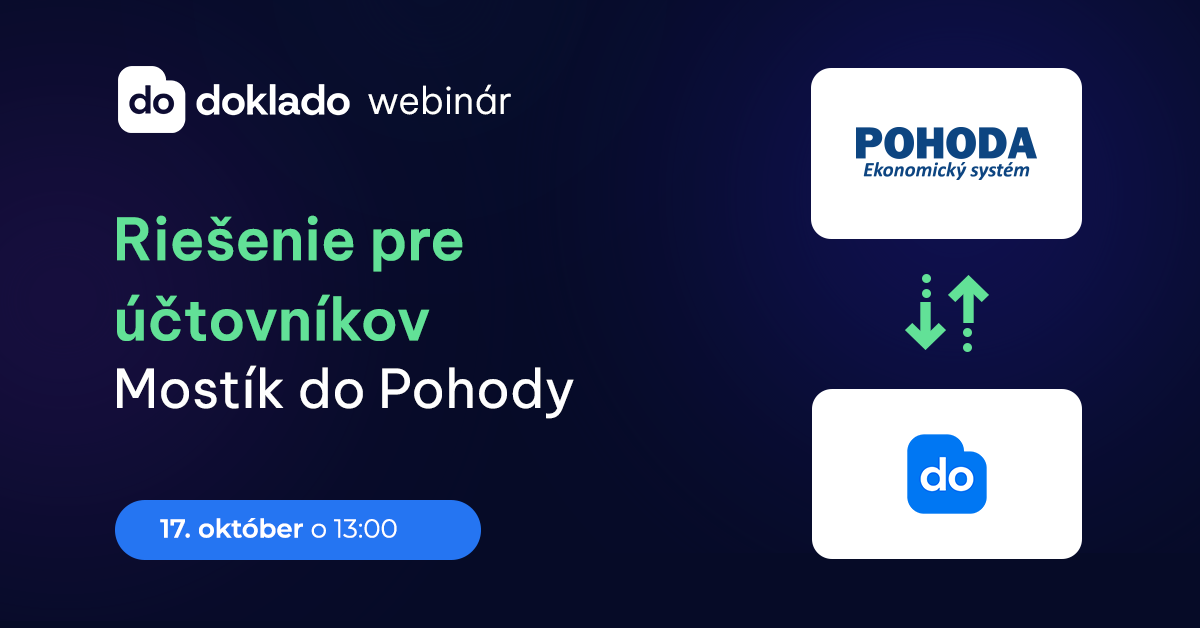
Mostík do Pohoda is a link between the Doklado application and the POHODA accounting program, which automates the transfer of documents to accounting.

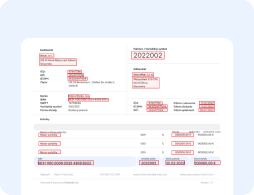
Doklado automatically extracts all data from receipts and invoices — amount, VAT, date, supplier and other details — and sends them to Pohoda without the need for manual rewriting.
I am interested in Bridge

What do you get with Bridge to Pohoda?

Zoznam výhod
Synchronization of the chart of accounts from Pohoda to Doklado
Zoznam výhod
Automatic billing in Pohoda
Zoznam výhod
Transfer of documents, PDF attachments, and digital archive links from Doklado to Pohoda
Zoznam výhod
Back-synchronization of internal document numbers after posting from Pohoda to Doklado
Zoznam výhod
One Bridge for all businesses and users in Pohoda without impact on price
How does the bridge work?
01. Scan the pad or save the invoice in the Doklado app
02. Automatically extracts all data
03. One click to send the document via Mostík to Pohoda
04. In Pohoda, a complete record will appear also with a PDF attachment
paid module

Bridge to Pohoda

Zoznam výhod
One Bridge for all businesses
Zoznam výhod
One Bridge for all users
Zoznam výhod
Unlimited number of transferred documents included in the price
I am interested
Thank you for the message. We will get back to you as soon as possible.
Oops! Het werd geldig in het ondernemen van het form.

See more about Bridge to Pohoda

How to proceed?

01
Fill out the Bridge Interest Form
02
Receive  by
installation instructions email
03
Schedule an installation date
04
We install Bridge for you
05
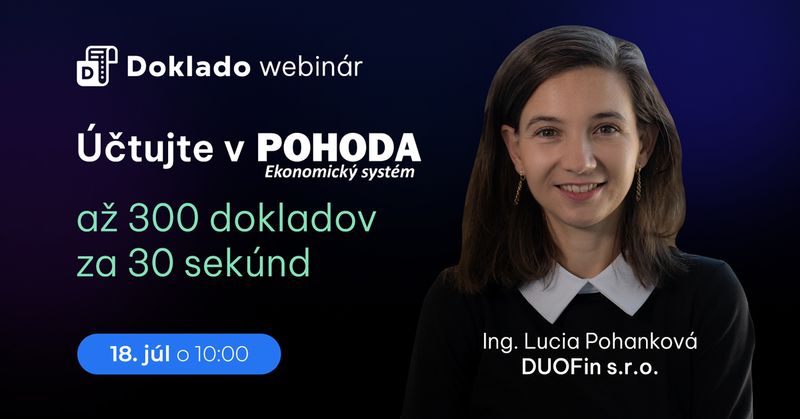
Transfer up to 300 documents to Pohoda in just 30 seconds
Installation usually takes 30-60 minutes. If you’re interested in paid assistance with technical preparation for installation, please email us at podpora@doklado.sk and we will send you a price quote.

The manufacturer of the POHODA economic system is STORMWARE. s.r.o.

Pohoda versions

Pohoda

Pohoda SQL

Pohoda E1

Pohoda system agendas linked to Doklado

Cashier
Other liabilities
Internal documents
Bank
Directory
Invoices Received
Invoices issued
Advance invoices issued
Received advance invoices

Transfer accounting settings

Number lines
Preliminary calculations
Resorts
Contracts
Activities
Cashiers
Bank accounts
VAT breakdown

FAQ

Frequently Asked Questions about Doklado Bridge to Pohoda

How are documents transferred to Pohoda using Bridge?

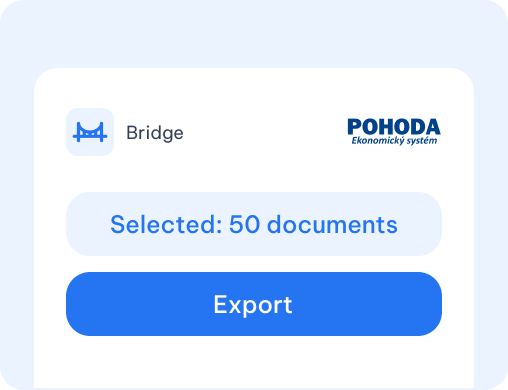
To transfer data to Pohoda via Bridge, it is necessary to initiate a transfer - export of documents. Each transfer is logged, showing who started it, the date and time, and whether it was successful.

Can I install Bridge myself?

No, installation is only done with our assistance.

What should I do if I’m interested in Bridge to Pohoda?

If you’re interested in Bridge to Pohoda, fill out the form. We will send you technical requirements to prepare before installation. Once ready, we’ll schedule the installation date. If you have additional questions about Bridge, we will be happy to answer them. You can also contact us directly atpodpora@doklado.sk.

Is there a fee for Bridge to Pohoda?

To use Bridge to Pohoda, you need to have a monthly subscription to the Doklado PLUS application. The cost of Bridge is €8/month + VAT, plus a one-time installation fee of €60/hour + VAT.

What does the price for Bridge include?

The price for Bridge to Pohoda includes:

  • Transfer of documents according to the Pohoda agenda
  • Transfer of PDF attachments to Pohoda
  • Transfer of URL links to the digital archive
  • Synchronization of accounting settings from Pohoda
  • Unlimited number of transfers

Can I connect Bridge to multiple accounting programs at the same time?

If you want to connect Mostík to multiple accounting programs at the same time, all of these programs and their databases must be available on the same computer or server. Otherwise, the connection will not work.